Full-screen panels that pin in turn; each new one slides up over the last, which sinks back and dims.
Chapter one
It starts with the bean.
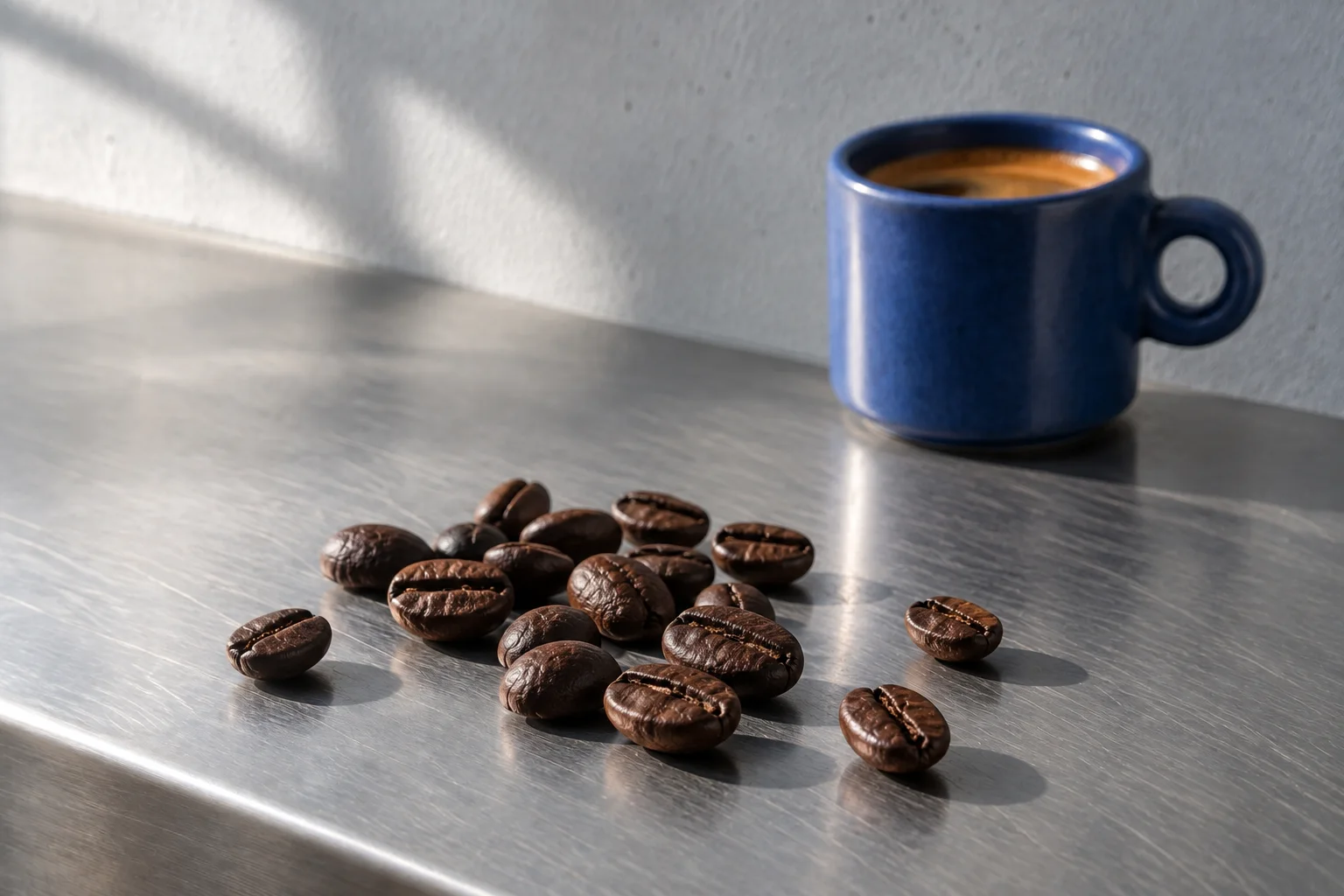
Roasted every Monday, in small batches.
Yours by Friday.
import { BrandImage, Button, CurtainReveal } from '@brand-studio/ui';
import { beans } from '@/demos/assets';

export default function CurtainRevealDemo() {
  return (
    <div style={{ width: '100%' }}>
      <CurtainReveal>
        <div style={{ display: 'grid', placeContent: 'center', padding: 32, textAlign: 'center' }}>
          <p style={{ margin: '0 0 8px', color: 'var(--bs-muted)' }}>Chapter one</p>
          <h3 style={{ margin: 0, fontSize: 'clamp(32px, 6vw, 64px)' }}>It starts with the bean.</h3>
        </div>
        <div style={{ position: 'relative', display: 'grid' }}>
          <BrandImage asset={beans} sizes="100vw" className="demo-curtain-image" />
          <p style={{ position: 'absolute', left: 32, bottom: 32, margin: 0, maxWidth: 360, color: '#fff', fontSize: 24, fontWeight: 600, textShadow: '0 1px 12px rgb(0 0 0 / .5)' }}>Roasted every Monday, in small batches.</p>
        </div>
        <div style={{ display: 'grid', placeContent: 'center', gap: 20, padding: 32, textAlign: 'center', background: 'var(--bs-accent)', color: 'var(--bs-on-accent)' }}>
          <h3 style={{ margin: 0, fontSize: 'clamp(32px, 6vw, 64px)' }}>Yours by Friday.</h3>
          <div><Button tone="inverse">Start a subscription</Button></div>
        </div>
      </CurtainReveal>
      <style>{'.demo-curtain-image { position: absolute; inset: 0; width: 100%; height: 100%; }'}</style>
    </div>
  );
}Installation
pnpm add @brand-studio/uinpm install @brand-studio/uiyarn add @brand-studio/uibun add @brand-studio/uiInstall the peer dependencies
npm install react react-domImport the stylesheet once
import '@brand-studio/ui/styles.css';Wrap your app in a brand theme
import { BrandTheme, CurtainReveal } from '@brand-studio/ui';
import brand from './brand.json';

<BrandTheme palette={brand.tokens} mode="system">
  {/* your app */}
</BrandTheme>
Usage
import { CurtainReveal } from '@brand-studio/ui';<CurtainReveal>
<div>It starts with the bean.</div>
<div>Roasted every Monday.</div>
<div>Yours by Friday.</div>
</CurtainReveal>Each child becomes a panel at least one screen tall. Give each its own background so the one underneath is hidden.
Accessibility
- Every panel is a section in reading order; nothing is hidden or reordered.
- Without scripts, and under reduced motion, the panels still stack but nothing sinks or dims.
API Reference
| Prop | Type | Default |
|---|---|---|
children | React.ReactNode | – |
className? | string | '' |