import { DistortionImage } from '@brand-studio/ui';
import { cup } from '@/demos/assets';

export default function DistortionImageDemo() {
  return (
    <figure style={{ width: '100%', maxWidth: 560, margin: 0 }}>
      <DistortionImage asset={cup} sizes="560px" className="demo-distort" />
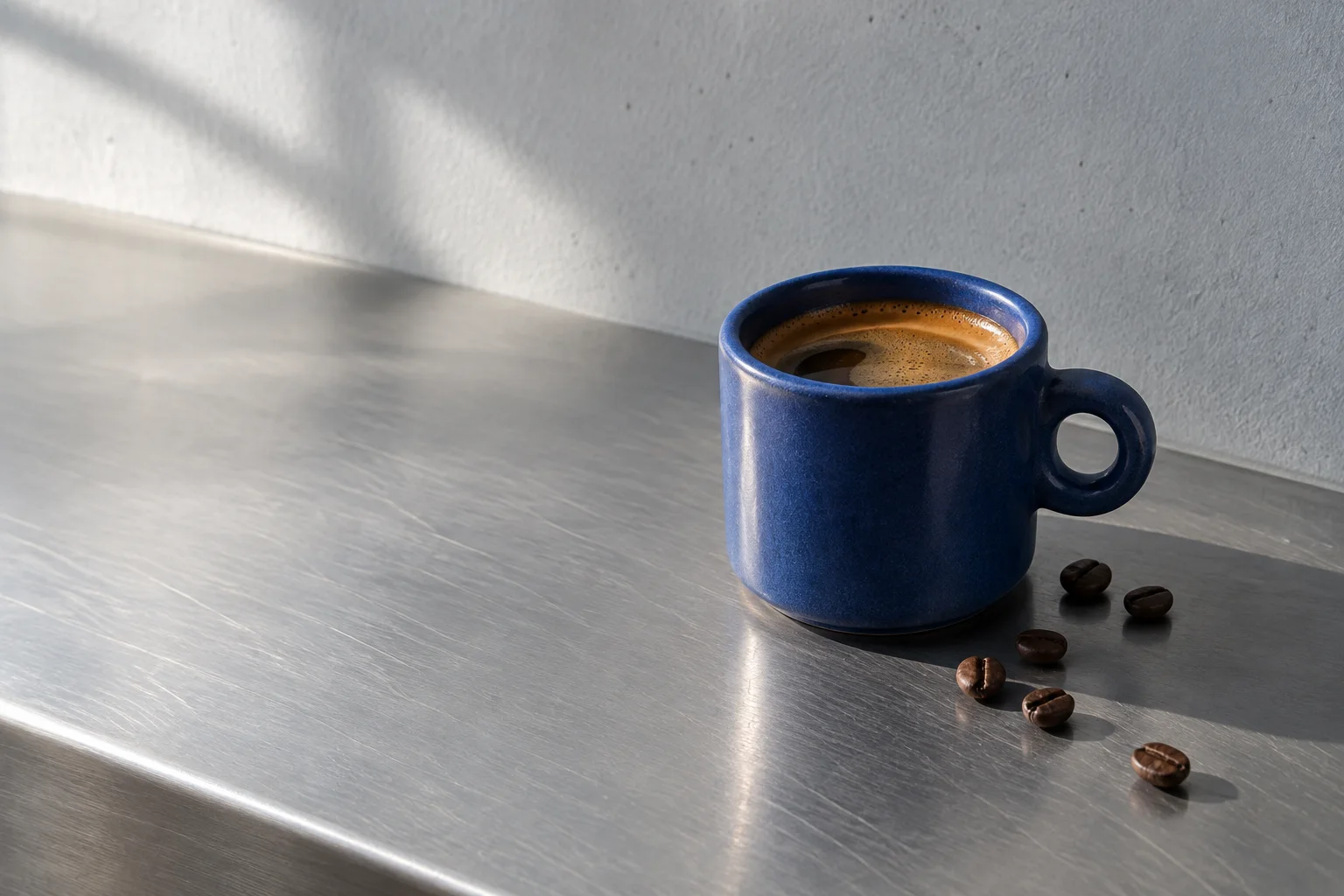
      <figcaption style={{ marginTop: 12, fontSize: 14, color: 'var(--bs-muted)' }}>The cobalt cup. Move the pointer across it.</figcaption>
      <style>{'.demo-distort { aspect-ratio: 4 / 3; }'}</style>
    </figure>
  );
}Installation
pnpm add @brand-studio/uinpm install @brand-studio/uiyarn add @brand-studio/uibun add @brand-studio/uiInstall the peer dependencies
npm install react react-domImport the stylesheet once
import '@brand-studio/ui/styles.css';Wrap your app in a brand theme
import { BrandTheme, DistortionImage } from '@brand-studio/ui';
import brand from './brand.json';

<BrandTheme palette={brand.tokens} mode="system">
  {/* your app */}
</BrandTheme>
Usage
import { DistortionImage } from '@brand-studio/ui';<DistortionImage asset={cup} className="cup" /> // .cup { aspect-ratio: 4 / 3; }Give it a size with CSS; the image covers the box and keeps its focal point. The image must be served from the same origin, or with CORS headers, for WebGL to read it.
Accessibility
- The picture underneath is an ordinary image with its alt text; the canvas over it is hidden from screen readers.
- The effect only answers a mouse, so touch, pen and keyboard users see the still image.
- It is off under reduced motion and without WebGL.
API Reference
| Prop | Type | Default |
|---|---|---|
asset | ImageAsset | – |
strength? | number | 1 |
sizes? | string | – |
className? | string | '' |