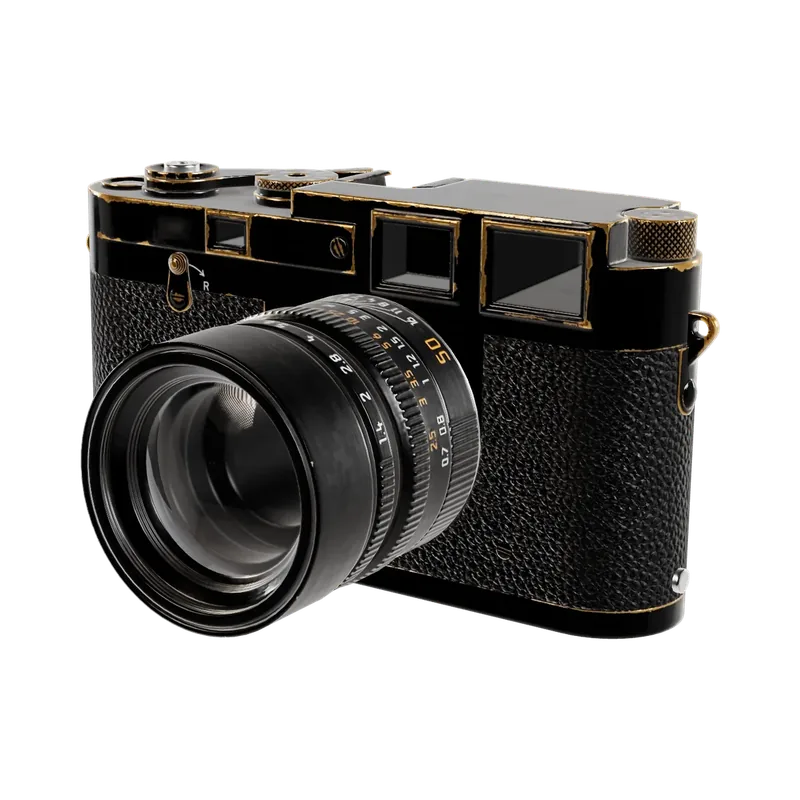
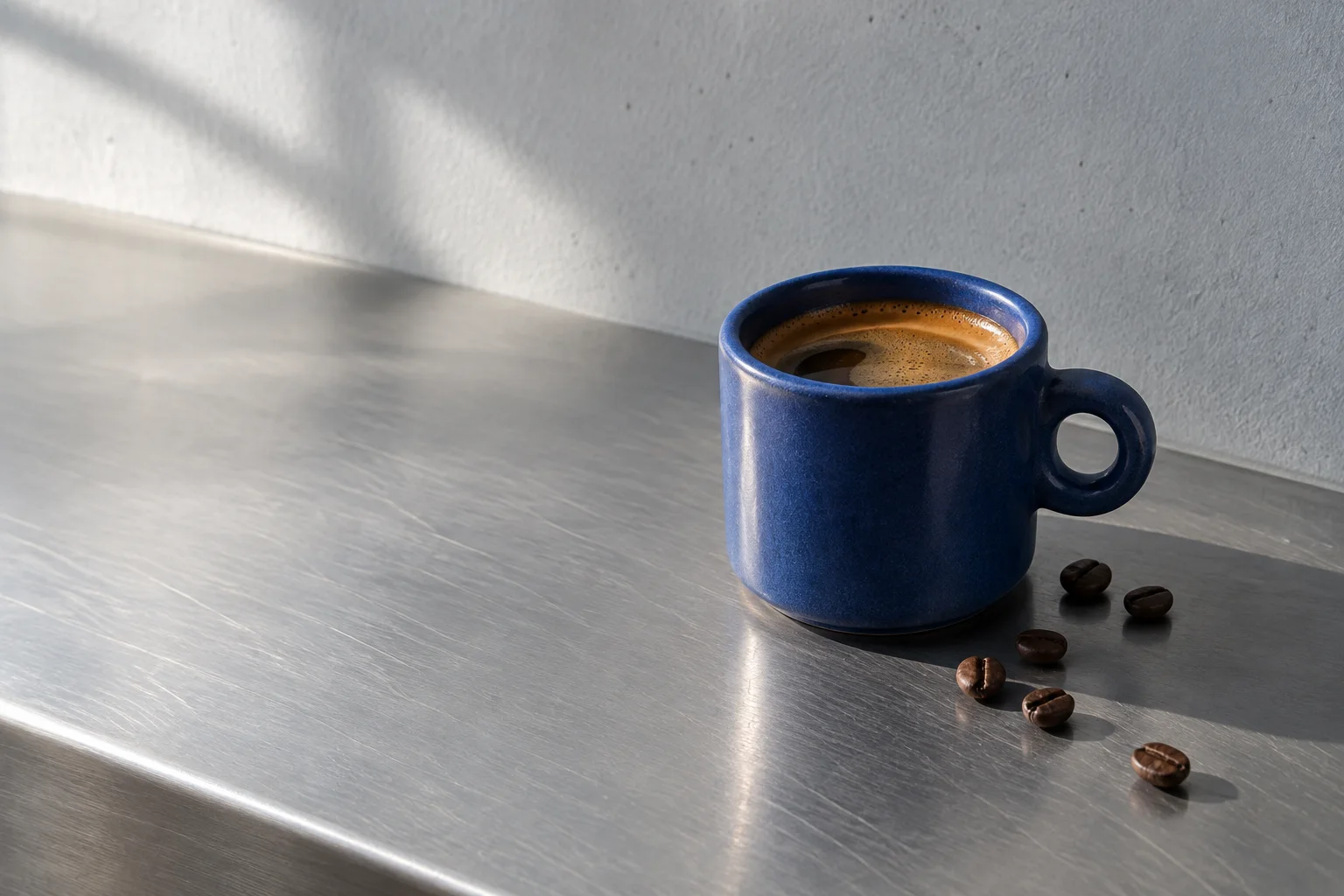
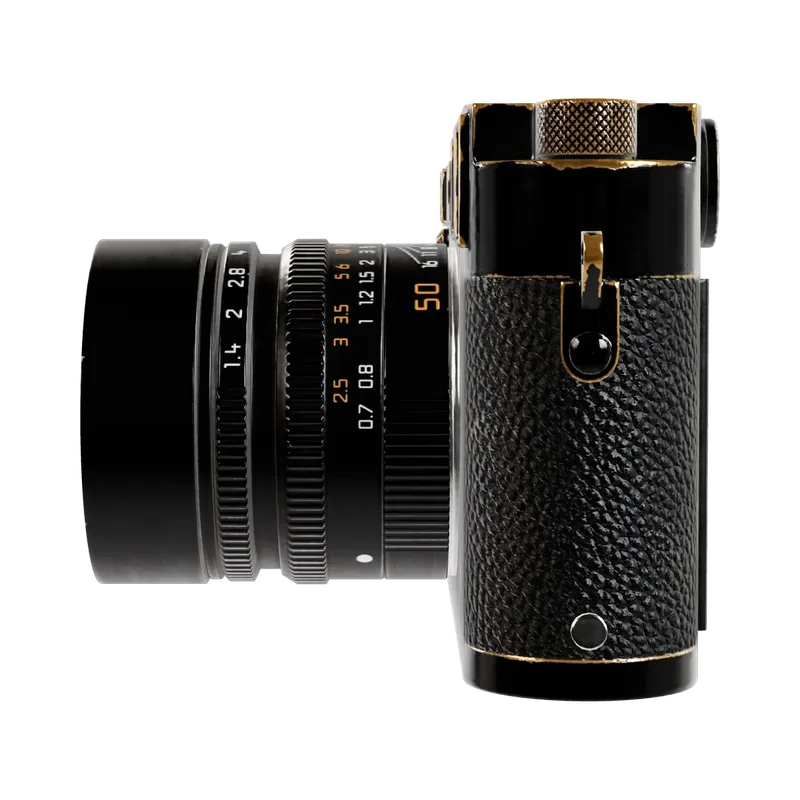
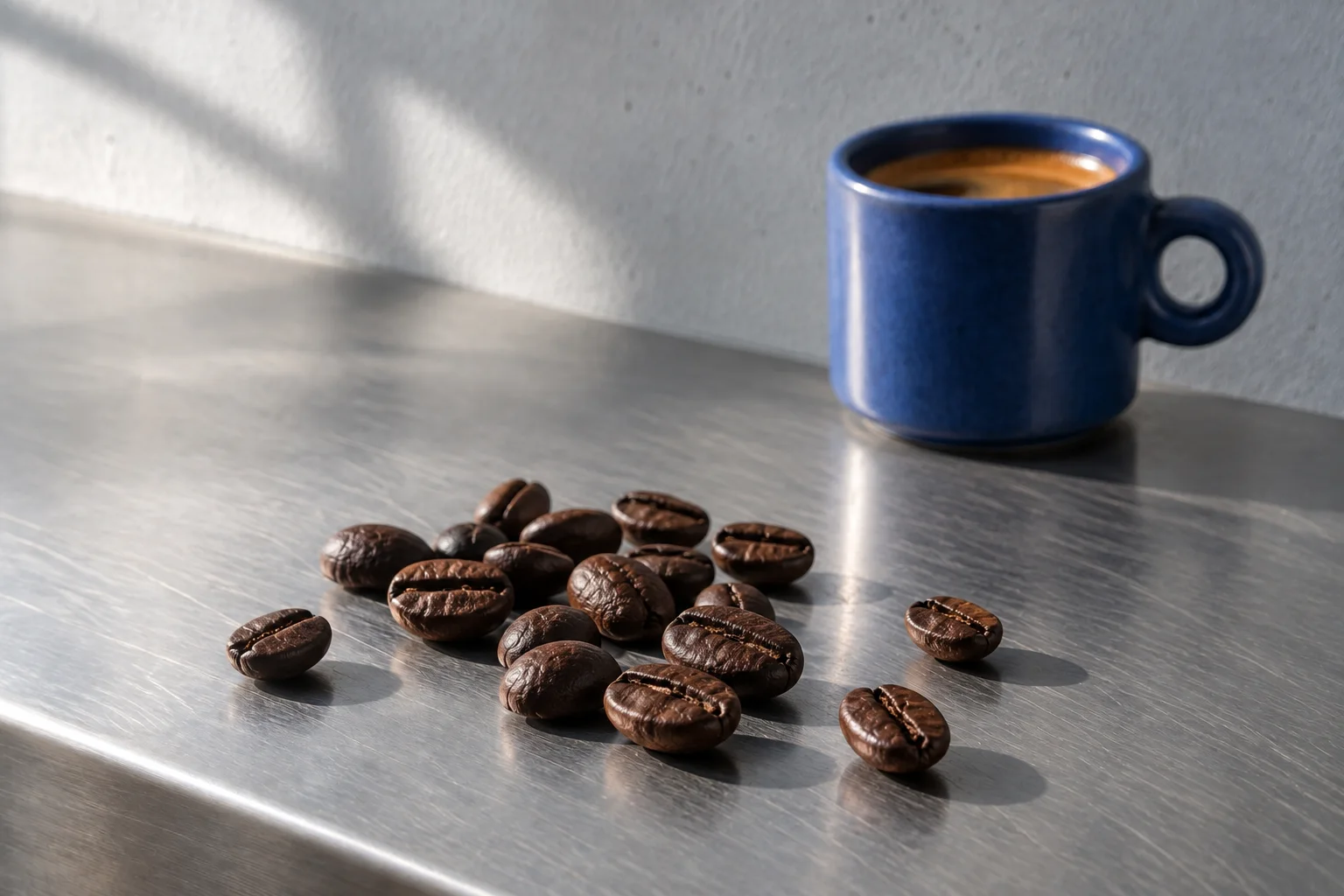
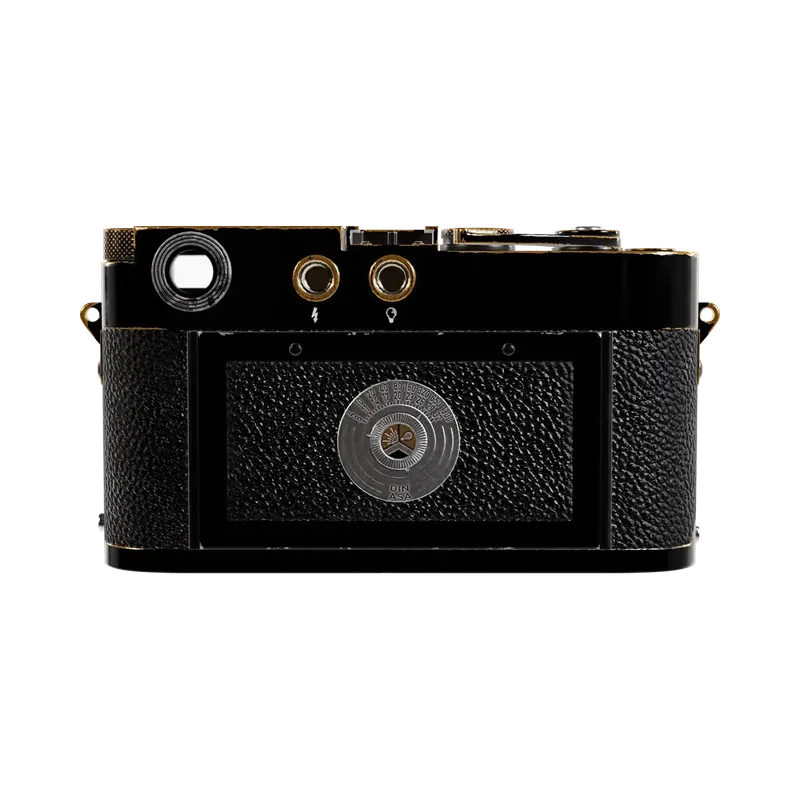
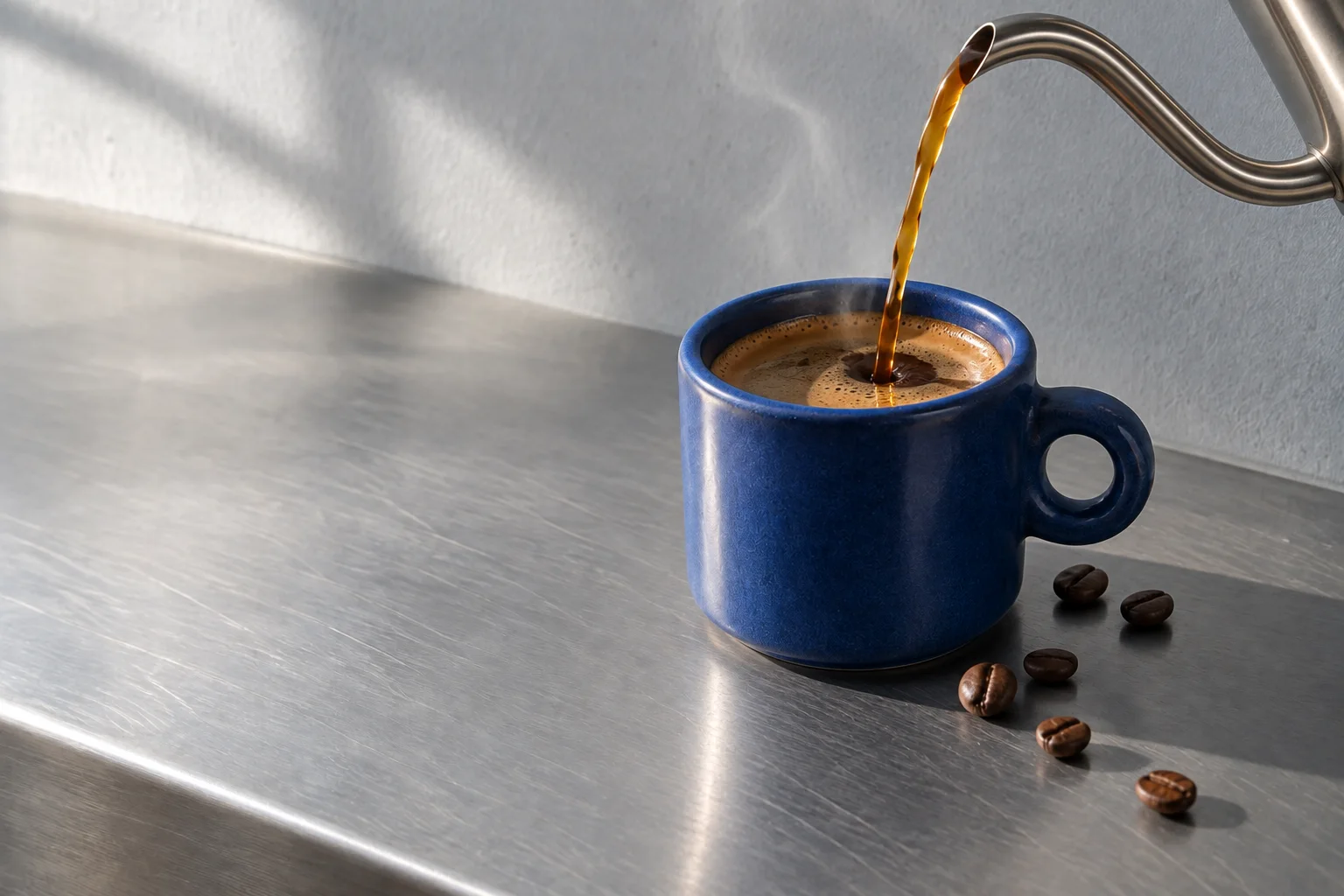
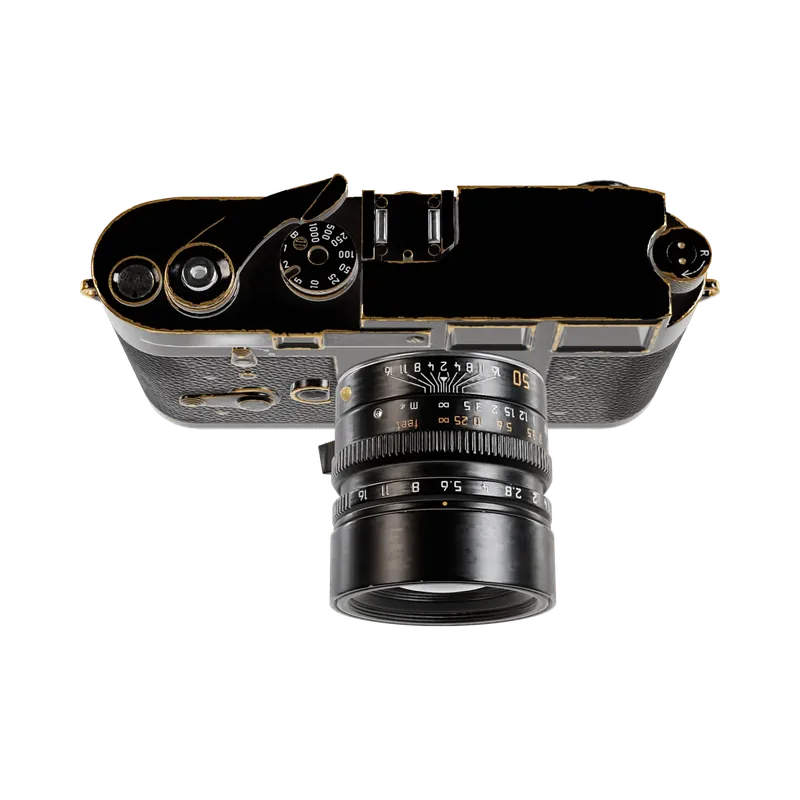
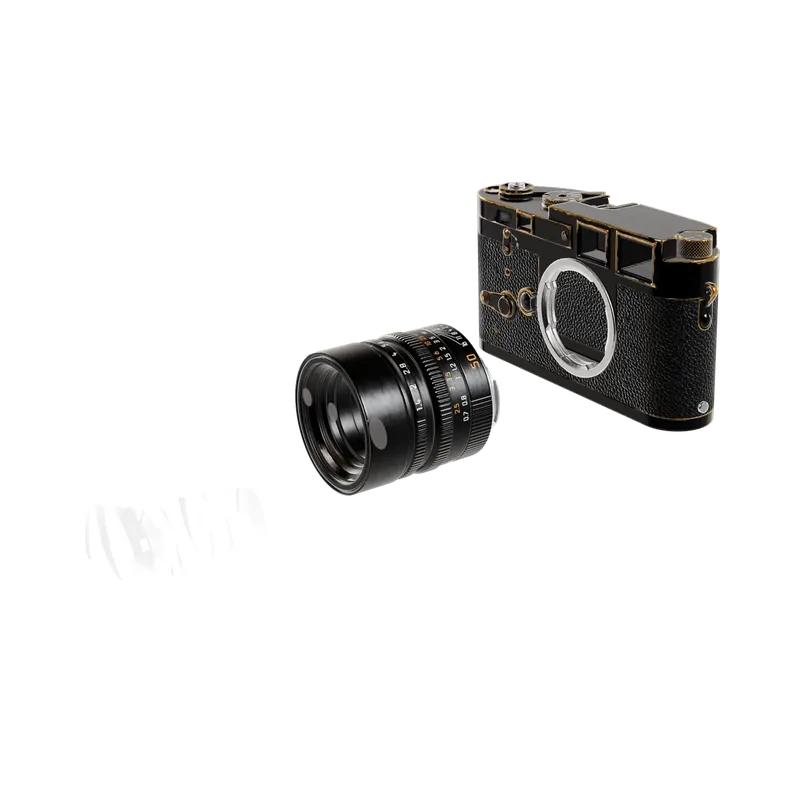
Images that rise out of depth and tilt up to face you, column by column, as each row scrolls in.
import { StaggerGrid } from '@brand-studio/ui';
import { beans, cameraViews, cup, pour } from '@/demos/assets';

export default function StaggerGridDemo() {
  return (
    <div style={{ width: '100%', padding: 24 }}>
      <StaggerGrid label="Halden field notes" images={[cameraViews[0], cup, cameraViews[2], beans, cameraViews[3], pour, cameraViews[4], cameraViews[5]]} />
    </div>
  );
}Installation
pnpm add @brand-studio/uinpm install @brand-studio/uiyarn add @brand-studio/uibun add @brand-studio/uiInstall the peer dependencies
npm install react react-domImport the stylesheet once
import '@brand-studio/ui/styles.css';Wrap your app in a brand theme
import { BrandTheme, StaggerGrid } from '@brand-studio/ui';
import brand from './brand.json';

<BrandTheme palette={brand.tokens} mode="system">
  {/* your app */}
</BrandTheme>
Usage
import { StaggerGrid } from '@brand-studio/ui';<StaggerGrid label="Field notes" images={images} />Accessibility
- The grid is a labelled list of images with their alt text.
- Before scripts run, and under reduced motion, it is a flat grid.
API Reference
| Prop | Type | Default |
|---|---|---|
images | ImageAsset[] | – |
label? | string | 'Gallery' |
className? | string | '' |